File to URL: questions about sharing files
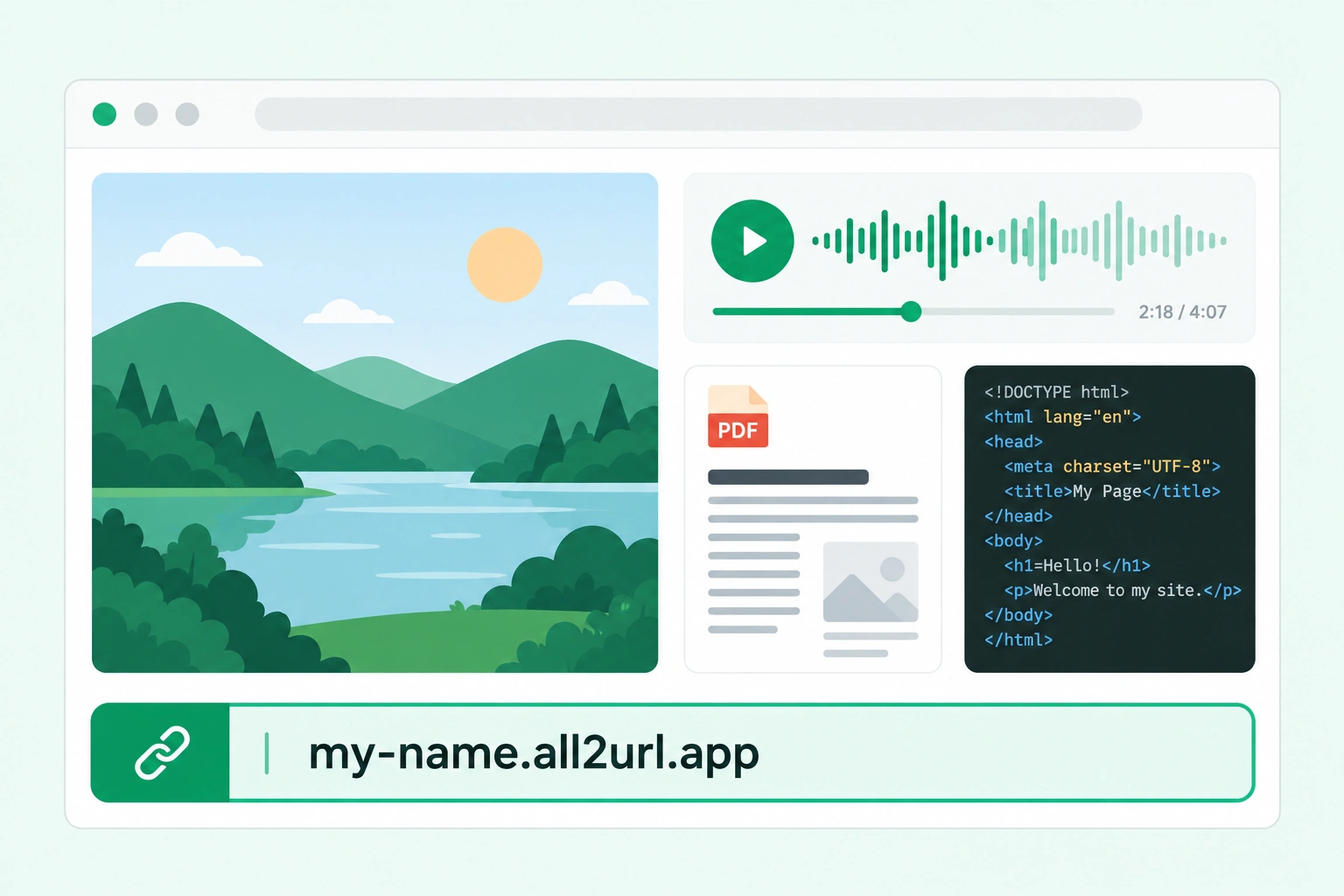
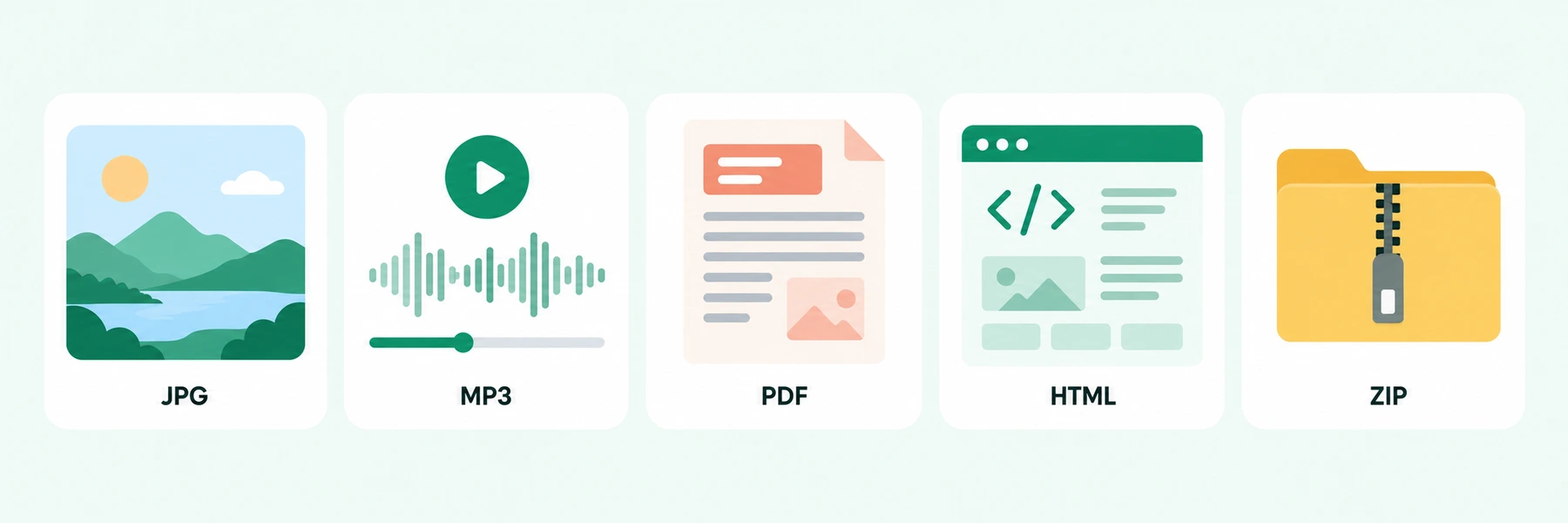
Practical answers for sharing resumes, PDFs, images, audio recordings and HTML pages as links.
How can I send a PDF to a client as a link instead of an attachment?
Upload the PDF using All2URL’s Any file option, then select Create URL. Send the resulting share-page link in your email or message. Your client can use that page to download the uploaded PDF. Open the link yourself before sending it and check its expiration date.
A form asks for a resume or portfolio URL. How do I create one?
Upload your resume or portfolio PDF to All2URL and copy its share-page URL. Use that address where the form accepts a hosted document link. If it asks for a website, publish an HTML portfolio instead. Follow the application’s requirements and make sure the link stays available throughout the review period.
How do I get a public URL for a JPG or PNG on my computer?
Open All2URL’s Image to URL tool and upload your JPG or PNG. After publishing, choose the direct image URL when a form or editor needs the picture itself. Choose the share-page URL when you want someone to view and download the image. Test the address in its destination.
How can I share an MP3 recording or music demo with someone?
Upload the MP3 using All2URL’s Any file option and create a URL. Send the resulting share page so the recipient can download the audio file. The current upload limit is 20 MB. The share page provides a download, rather than a built-in audio player or an embeddable music-player source.
ChatGPT gave me an HTML file. How can I share it as a webpage?
Choose HTML page to upload the file, or use Paste HTML for the complete markup. All2URL publishes it as a static webpage that you can open and share by URL. For separate CSS, JavaScript or images, use ZIP project. Server code and databases are not supported; external API calls and form submissions are restricted.
How do I share an HTML page together with its CSS, JavaScript and images?
Put index.html and its CSS, JavaScript and images in a ZIP, then choose ZIP project in All2URL. Keep the relative paths consistent, with index.html at the project root. The published URL opens the static website. The ZIP’s uncompressed content must fit within 20 MB and contain no more than 100 files.
Can I share a Word document, spreadsheet or presentation without converting it to PDF?
Yes. Upload the DOCX, spreadsheet or presentation using All2URL’s Any file option. The result is a share page with a download option for the original file. Recipients can download it and open it with compatible software. All2URL does not turn these uploads into an online editor or convert their contents into webpages.
Can I send the same file link to several people?
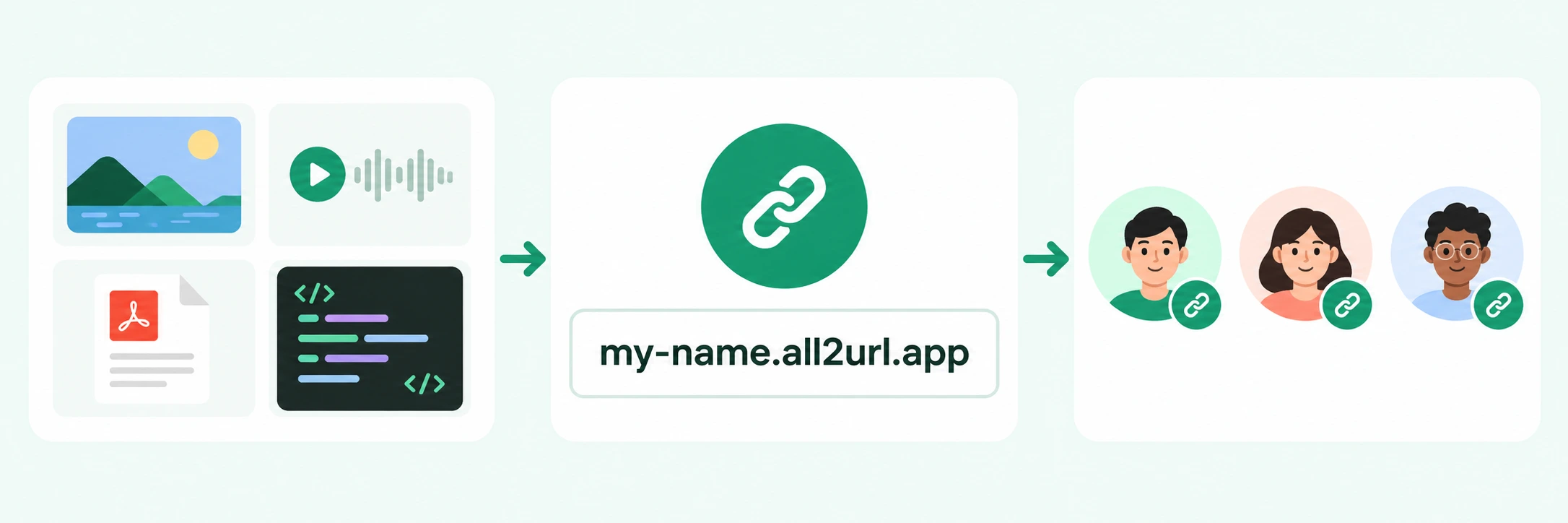
Yes. Publish the file once and send the same URL to each recipient, without uploading a separate copy for everyone. Public and unlisted links can be opened by anyone who has the address while the content remains available. Password-protected content also requires the password.
Can I upload a file and get a link without signing up?
Yes. You can start with All2URL’s homepage uploader without signing in. Choose the appropriate file option, review the sharing settings and select Create URL. Guest uploads still have size limits, safety checks and an expiration date. Recipients do not need an All2URL account to open a public or unlisted link.
Can I create a file-sharing link for free?
The current All2URL file to URL uploader lets you create a link without making a payment. Upload and availability limits still apply. Free uploads are for temporary sharing, not unlimited storage or permanent hosting. Check the expiration date shown for your result before using the link for an ongoing task.
How large can the file be?
Current All2URL uploads are limited to 20 MB. For ZIP website projects, the uncompressed content must also stay within 20 MB, with no more than 100 files. Reduce the source material before uploading if it exceeds these limits. Unsupported or unsafe files can still be rejected.
How long will my shared file link keep working?
Currently, signed-in uploads last 30 days. Guest uploads shared in the public showcase last 14 days; other guest uploads last 3 days. Check the expiration date for your result and make sure it covers the time your recipient needs. A file to URL link is not permanent file storage.
Can I keep a shared file out of the public showcase or protect it with a password?
Choose unlisted sharing to keep the file out of All2URL’s public showcase. Anyone with an unlisted URL can still open it, so unlisted is not access control. Password-protected content requires recipients to unlock it. Choose the sharing option before publishing and send any password separately from the link.
Will my link open the file itself or a sharing page?
It depends on the publishing option. General files get a share page with a download option. HTML and ZIP projects open as static websites. The Image to URL tool provides both a direct image URL and a share page. If a form or editor requires a direct file response, check that you are supplying the right type of address.
Why can’t someone open the file:// link I sent them?
A file:// address points to a location on a device; it does not publish your file online for someone else. Use All2URL’s file to URL uploader to publish a copy, then send the hosted web address. Renaming a file or copying its local path does not make it available on another person’s computer.